Generators, Gradients, & Halftone Effect
Many of the filter definitions below come directly from Apple’s core image filter reference.
Generators
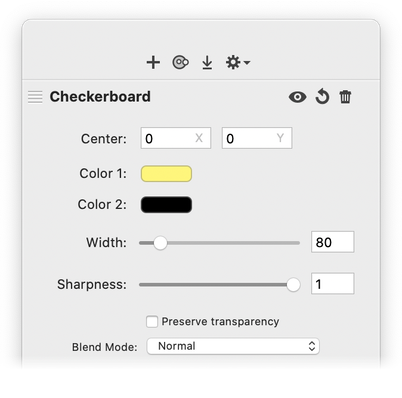
| Checkerboard: Generates a checkerboard pattern. You can specify the checkerboard size and colors, and the sharpness of the pattern. |

|
|
| Circles: Adds concentric circles to your image. |

|

|
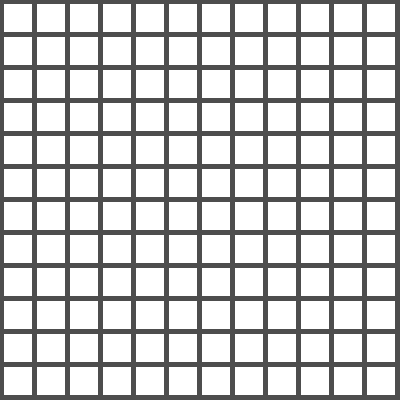
| Grid: Generates a grid with modifiable positioning, color, distance, and width. |
|

|
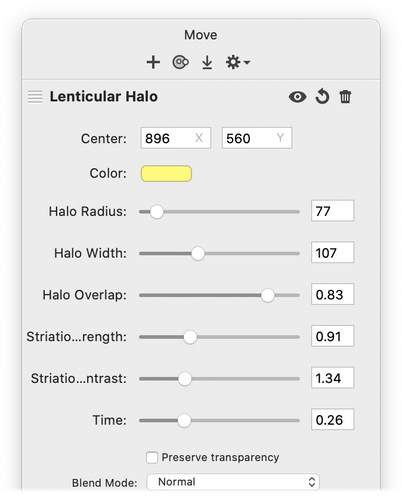
| Lenticular Halo: Simulates a lens flare. |

|
|
| Random Generator: Generates an image of infinite extent whose pixel values are made up of four independent, uniformly-distributed random numbers in the 0 to 1 range. |

|

|
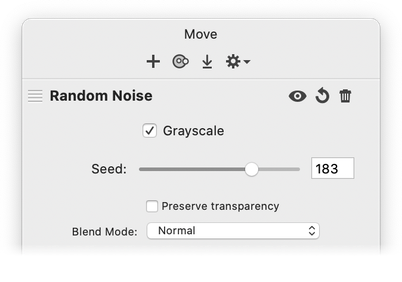
| Random Noise: Creates random noise with option for grayscale. |

|
|
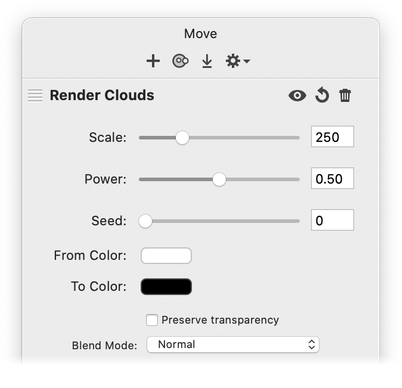
| Render Clouds: Generates cloud-like noise, also known as Perlin-noise. |

|
|
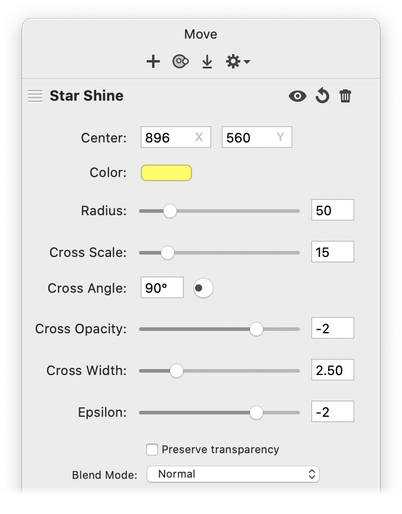
| Star Shine: Generates a starburst pattern that is similar to a supernova; can be used to simulate a lens flare. |

|
|
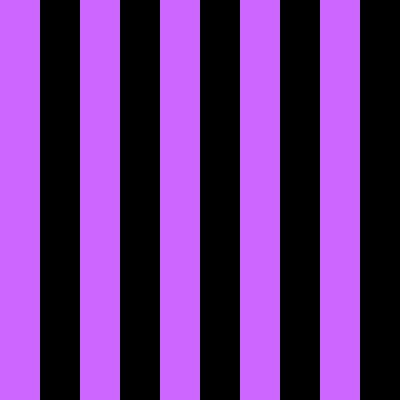
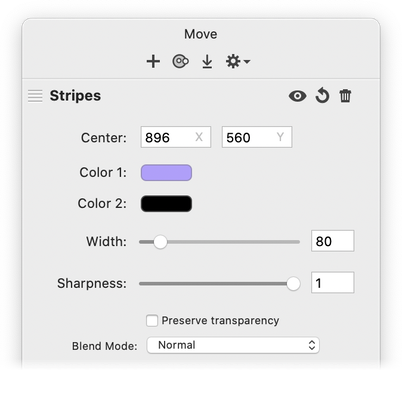
| Stripes: Generates a stripe pattern. You can control the color of the stripes, the spacing, and the contrast. |
|
|
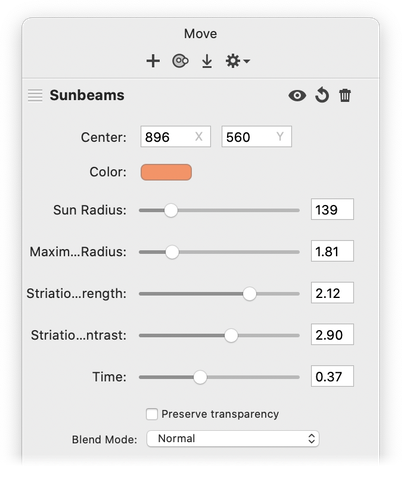
| Sunbeams: Generates a sun effect. |

|
|
| Sunburst: Generates a two color sunburst. |

|

|
Constant Color: Generates a solid color. Typically the output of this filter is used as the input on another filter.
Gradients
| Linear Gradient: Generates a gradient that varies along a linear axis between two defined endpoints. |

|

|
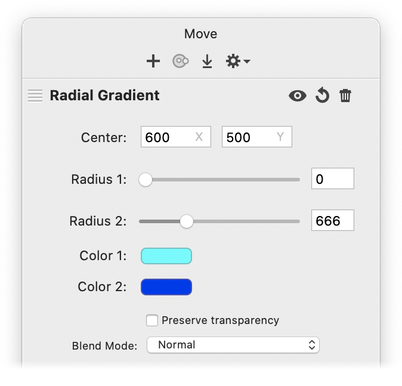
| Radial Gradient: Generates a gradient that varies radially between two circles having the same center. |

|
|
Smooth Linear Gradient: Generates a gradient that uses an S-curve function to blend colors along a linear axis between two defined endpoints
Halftone Effect
| Circular Screen: Simulates a circular-shaped halftone screen. |

|

|
| CMYK Halftone: Creates a color, halftoned rendition of the source image, using cyan, magenta, yellow, and black inks over a white page. |

|

|
| Dot Screen: Simulates the dot patterns of a halftone screen. |

|

|
| Hatched Screen: Simulates the hatched pattern of a halftone screen. |

|

|
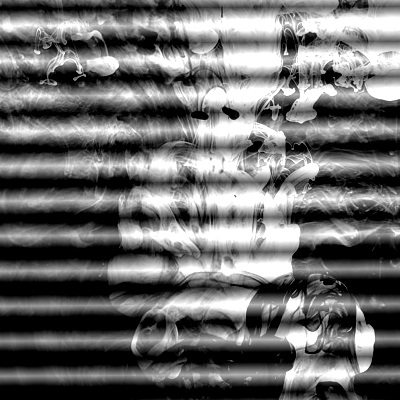
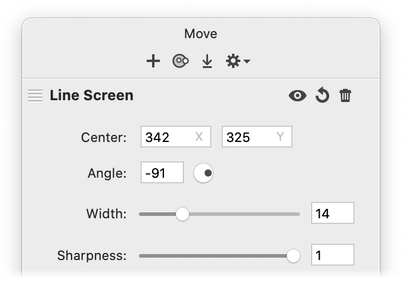
| Line Screen: Simulates the line pattern of a halftone screen. |
|
|
Try playing around with some of the filters and experiment, experiment, experiment. For more information, check out the Tutorials or send an email to support@flyingmeat.com and request a tutorial.
Additional Relevant Documentation
Filters Basics (video tutorial)
Filters Basics